
01 / INVOICING
Invoicing, without the friction.
Create and manage invoices from the same accounting system your team uses to keep the books organised.
Payment tracked
Core accounting software that handles invoicing, financial reports and bank reconciliation, with multiple staff able to work in it at the same time.
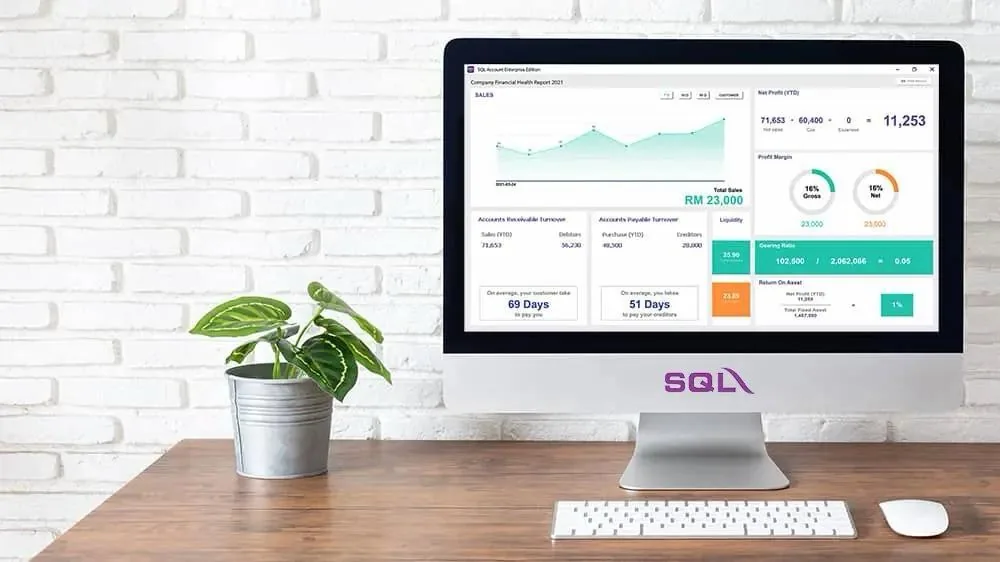
SQL Accounting brings the core of your bookkeeping operation into one place — with the setup flexibility to match how your business actually works.
Keep bookkeeping, invoicing and reporting together in one system.
Manage invoices, financial reports and reconciliation from the same set of books.
SQL Accounting brings the core of your accounting workflow together — from invoicing and financial reporting to bank reconciliation and multi-user access.
Create and manage invoices from the same accounting system your team uses to keep the books organised.
Bring your financial information together in clear reports, without moving between separate systems.
Reconcile your bank activity against your accounting records so your books stay aligned.
Give your accountant, admin staff and business team access to the same accounting system.
Use SQL Accounting on-premise or through a cloud hosted setup, depending on your business requirements.
SQL Accounting is not just installed and left with your team. SQL handles the setup, helps with existing records where possible, and gets your team comfortable using the system.
We install SQL Accounting according to your setup — either on your own office computers or through the cloud.
Where possible, we help migrate your existing records so your team can move into the new setup without starting from scratch.
We train your team on the system and its day-to-day workflow, so the software is practical to use — not just installed.
When something comes up, our support team is available by phone or WhatsApp to help you work through it.
Phone + WhatsApp supportBook a free, no-obligation demo and we'll walk you through SQL Accounting and how it can fit the way your team works.
Book a Free Demo